
Docs
Zippykind Support Docs
Step-by-step guides and how-tos for every Zippykind feature.
No articles match “”.
Documentation
Browse by category
Getting Started 1
Set up your Zippykind account, add your first driver and send your first delivery ticket in a few short steps.
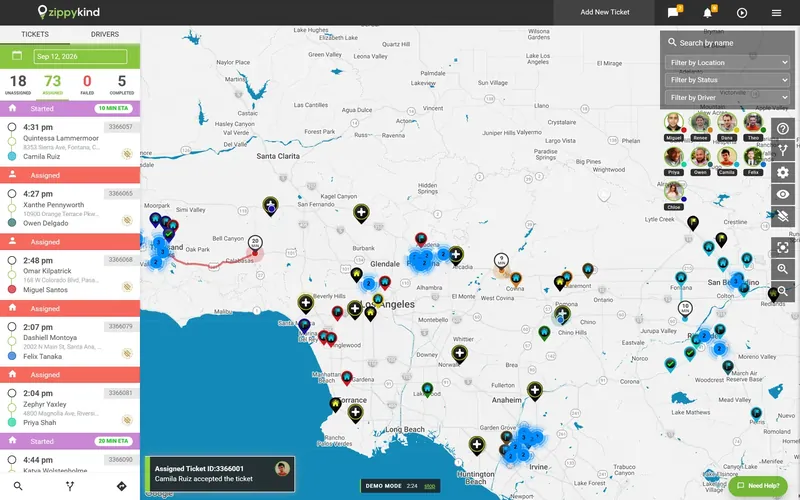
Dispatcher 25
Create and assign delivery tickets, optimize routes, track drivers live and keep customers updated from the dispatch dashboard.
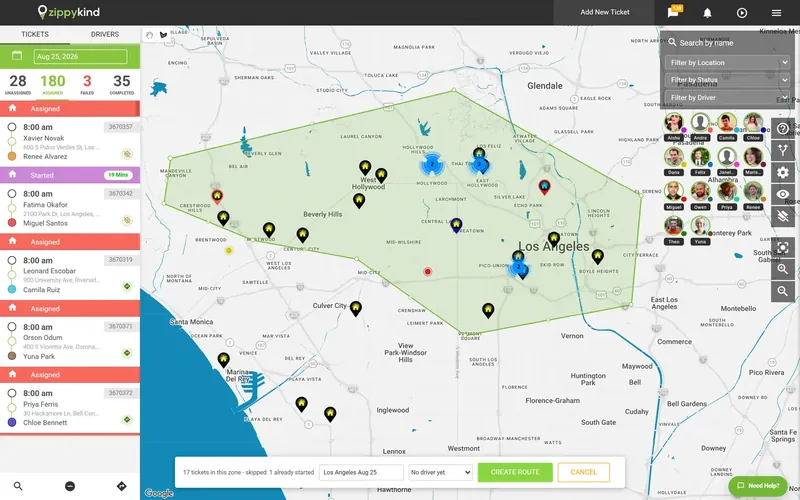
Driver 10
Using the Zippykind driver app on iPhone and Android: sign in, accept tickets, navigate, and capture photo and signature proof.
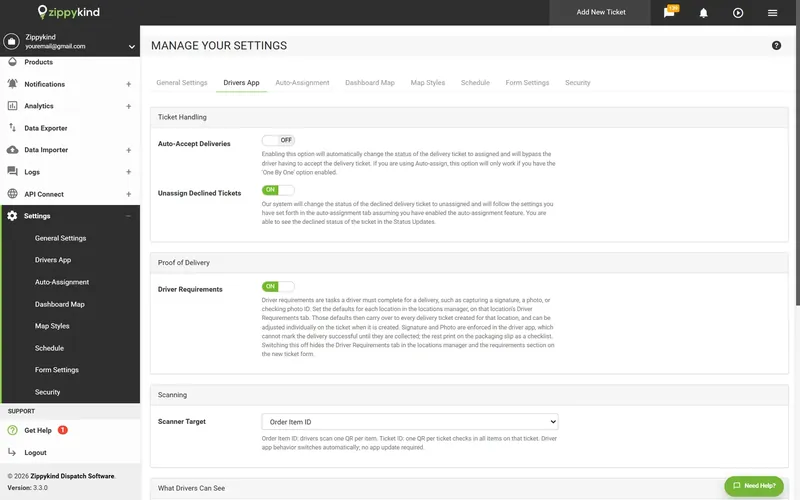
Clients 10
For the pharmacies and businesses a courier delivers for: create deliveries, label packages for pickup, follow every delivery live and read your delivery analytics.
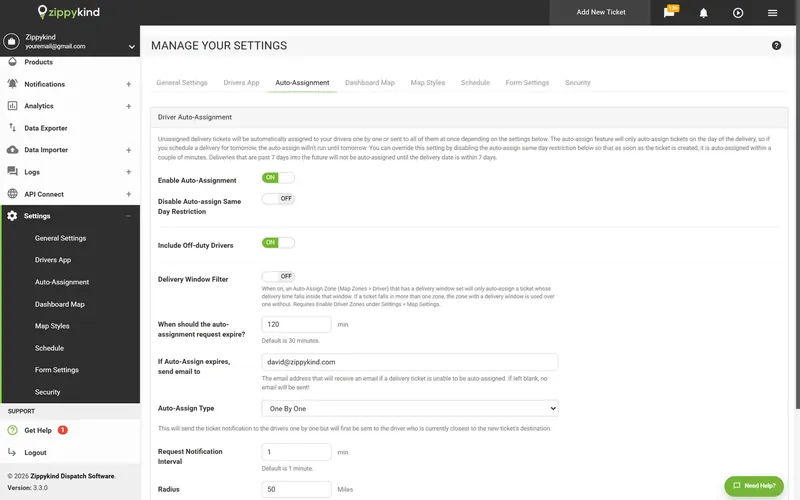
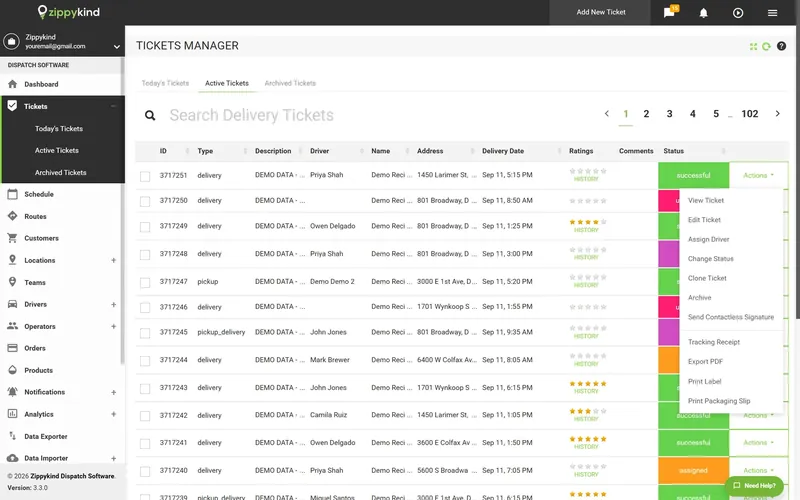
Admin and Settings 16
For account owners and admins running Zippykind delivery software: every setting explained, drivers, teams and locations, notifications, and your plan and billing.
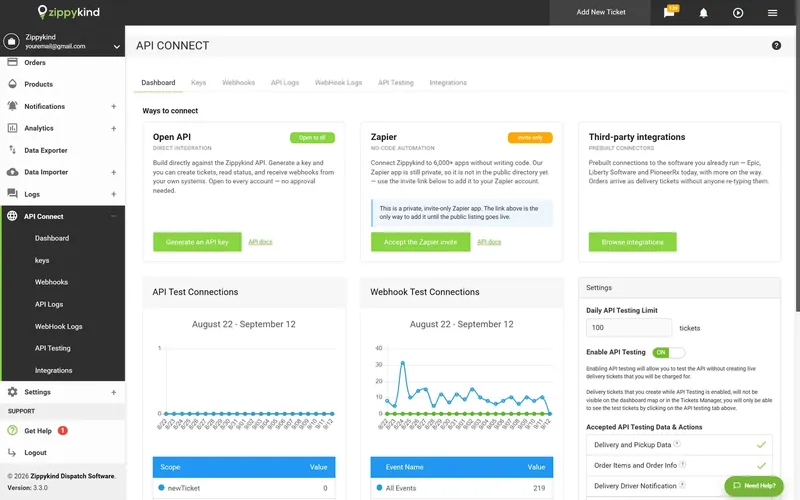
Integrations and API 4
Connect Zippykind delivery software to your pharmacy system, store and other apps: Epic Willow, Zapier, webhooks and the REST API.
Guides
Every guide, by category
Getting Started 1
Set up your Zippykind account, add your first driver and send your first delivery ticket in a few short steps.
How Delivery Tracking Works: From Order to Proof of Delivery
How delivery tracking works in Zippykind: follow one order from dispatch to proof of delivery, every ticket status and what the driver and customer see.
Dispatcher 25
Create and assign delivery tickets, optimize routes, track drivers live and keep customers updated from the dispatch dashboard.
How to Use a Delivery Dispatch Dashboard
How to use a delivery dispatch dashboard in Zippykind: the daily ticket list, ticket groups, color coded status pins, live drivers and the main menus.
How to Set Up a Delivery Dispatch Map and Alerts
How to set up a delivery dispatch map in Zippykind: stale ticket alerts, unassigned and flagged ticket radars, auto-assign messages and status filters.
How to Manage Delivery Customers and Subscriptions
How to manage delivery customers and subscriptions in Zippykind: accounts made from tickets, recurring subscriptions and sticky notes for drivers.
How to Create a Delivery Order in Dispatch Software
How to create a delivery order in Zippykind: reference numbers, driver instructions, pickup location, order items, customer, address and time window.
Also in Dispatcher: Dispatch Tools (1)
Driver 10
Using the Zippykind driver app on iPhone and Android: sign in, accept tickets, navigate, and capture photo and signature proof.
How to Install the Delivery Driver App and Go On Duty
How to install the delivery driver app in Zippykind: get it on iPhone or Android, sign in, allow location access and go on duty to receive tickets.
How to Build a Delivery Route in the Driver App
How to build a delivery route in the driver app in Zippykind: build it in one press, add new tickets, and end at the last stop or back at the start.
How to Scan Packages at Pickup with the Driver App
How to scan packages at pickup in Zippykind: scan QR code tracking labels, see how geofences confirm the location, and what to do when a scan is refused.
How Delivery Drivers Navigate and Contact Customers
How delivery drivers navigate and contact customers in Zippykind: navigate to each stop, then text or call the customer with the driver's number masked.
Also in Driver: Troubleshooting (1)
Clients 10
For the pharmacies and businesses a courier delivers for: create deliveries, label packages for pickup, follow every delivery live and read your delivery analytics.
How Courier Clients See Their Deliveries
How courier clients see their deliveries in Zippykind: tickets for your own locations, your permissions, and why a failed ticket stays on Today's Tickets.
How to Create a Delivery as a Courier Client
How to create a delivery as a courier client in Zippykind: order details, customer, address, requirements such as a signature, and cloning a ticket.
How to Bulk Import Delivery Orders from a Spreadsheet
How to bulk import delivery orders from a spreadsheet in Zippykind: the Data Importer wizard, column mapping, saved templates and 1,000 rows per file.
How to Label Packages and Mark Them Ready for Pickup
How to label packages for courier pickup in Zippykind: print tracking labels and packaging slips, then mark packages Ready For Pickup for the driver.
Admin and Settings 16
For account owners and admins running Zippykind delivery software: every setting explained, drivers, teams and locations, notifications, and your plan and billing.
Drivers, Teams and Locations
Managing your drivers, the teams you group them into, and the pickup locations your deliveries come from.
Notifications
The Pickup, Delivery, Driver and Dispatch notification tabs, and the full merge tag reference for writing your own templates.
How to Manage Your Zippykind Plan, Add-Ons and Billing
How to manage your delivery plan and billing in Zippykind: switch Courier Pro, the Routing Suite and a dedicated number on or off, and see each charge.
How to Set Up Delivery Locations and Branding
How to set up delivery locations in Zippykind: add pharmacies, stores, warehouses and hubs, set driver requirements, and brand the tracking page.
Also in Admin and Settings: Settings Reference (5)
Integrations and API 4
Connect Zippykind delivery software to your pharmacy system, store and other apps: Epic Willow, Zapier, webhooks and the REST API.
How to Connect Epic, Liberty and Other Delivery Integrations
How to connect delivery integrations in Zippykind: set up integrations such as Epic and Liberty, sign a BAA when one is needed, and check the logs.
How to Install and Set Up the Pharmacy Bridge Agent
How to install the Pharmacy Bridge Agent in Zippykind: run the installer on the pharmacy computer, connect your API key, choose the report folder and set PINs.
How to Send Your First Delivery with the Pharmacy Bridge Agent
How to send deliveries with the Pharmacy Bridge Agent in Zippykind: save your delivery report, follow each delivery and open its compliance report.
Epic Willow Integration Guide: Zippykind Delivery Software
Pharmacy delivery, built for Epic Willow. Your pharmacists are verifying fills in Willow.
Also in Integrations and API: Epic Willow (1)


