-
Built For
- PharmacyHIPAA-ready prescription delivery with audit-grade proof.
- Prepared MealsGet meal-prep and ghost-kitchen orders out hot and on time.
- MedicalMove supplies, specimens, and equipment with a clean chain of custody.
- RestaurantsRun your own delivery and keep the margin the apps take.
- CouriersDispatch, route, and track a whole same-day fleet in one place.
- FloristsSame-day delivery that survives Valentine's and Mother's Day.
- Liquor StoresAlcohol delivery you own, life after Drizly.
- Grocery StoresGet fresh orders to the door fast and keep customers coming back.
- ShippersOwn your last mile instead of renting a courier network.
- Water DeliveryRecurring routes, optimized stops, and proof on every jug.
- Auto PartsGet the right part to the shop fast with scan-to-track custody.
- And Plenty MoreThese pages are not the limit. Tell us what you deliver.
-
Features
- AI Dispatch AssistantCharles answers how-to questions on every page of the dispatch software, included on every plan.
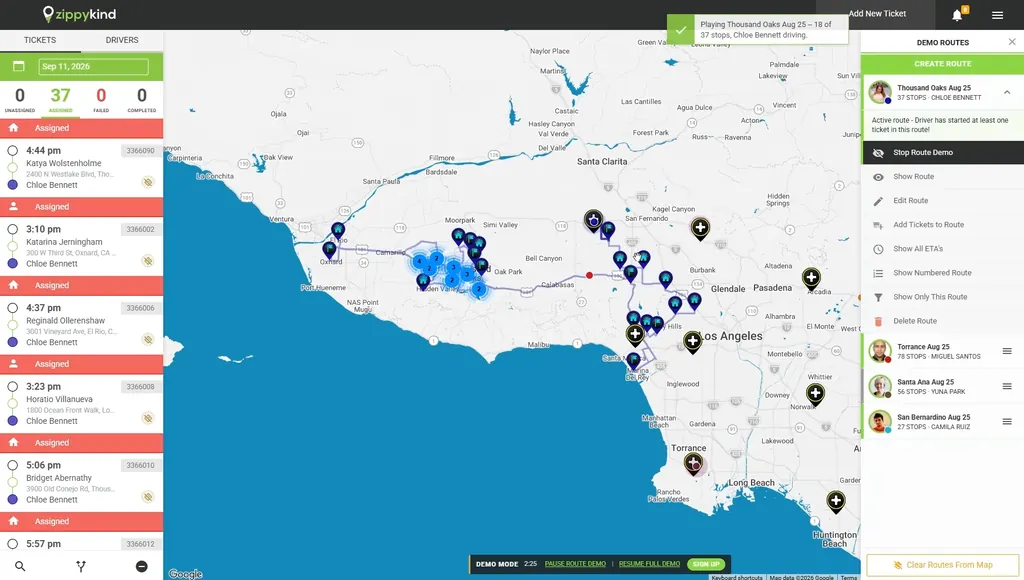
- Dispatch & RoutingProximity and zone assignment, route optimization, scheduling, and the map assistant.
- Live GPS TrackingA real-time driver map and an Uber-style live tracking link for customers.
- Proof of DeliveryPhoto, signature, GPS, timestamps, and QR scanning on every drop.
- Messaging & NotificationsSMS, email, voice, and push updates, group messages, and a 3-way Message Center.
- Customer ExperienceBranded tracking pages, ratings, and rewards tiers that keep customers coming back.
- Operations ManagerOrders, products, locations, drivers, operators, tags, and bulk import/export.
- Analytics & LogsReports, heatmaps, the track log, and searchable SMS, email, call, and API logs.
- Open APIA full REST API and webhooks, Zapier and direct, to connect your stack.
- Feature Requests AcceptedMore features than any other delivery software, and we build what you ask for.
- Pricing
- Integrations
-
Resources
- How It WorksSee a day of delivery on Zippykind, start to finish.
- About UsThe team and the story behind the platform.
- CareersHelp build the platform local delivery runs on.
- Partner ProgramRefer delivery businesses and earn recurring commission.
- Support DocsStep-by-step guides and how-tos for every feature.
- Frequently Asked QuestionsAnswers to the most common questions about the software and drivers app
- What’s NewEvery new feature and improvement we have shipped, newest first.
- API DocsEndpoints, webhooks, and integration guides for developers.
Talk to usQuestions? We’re here to help.
(480) 477-7931 Mon to Fri, 8a to 6p MST Book a Demo Or send us a message